
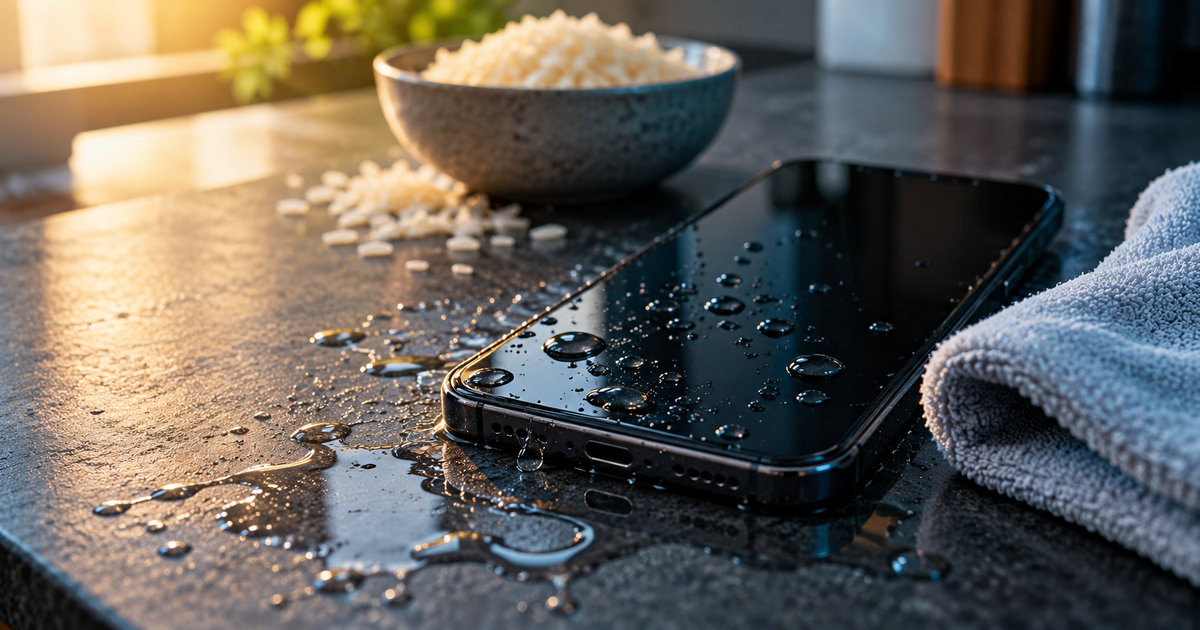
A phone slips from your hand. There is a splash, a moment of silence, and then a familiar piece of advice: Put it in rice.
It sounds sensible. Rice absorbs some moisture, after all. But a phone is not a wet shirt, and a bowl of grains is not a repair workshop. Apple explicitly warns against the rice trick because small particles can damage an iPhone. Repair specialists at iFixit explain a deeper problem: leaving a wet device sitting in rice does nothing to remove contaminants trapped inside it. Apple Support: Liquid-detection alerts · iFixit: Don’t Put Your Device in Rice
The good news is that the first few decisions are straightforward. The important thing is to recognize which kind of water incident actually happened.
First, identify the problem: a damp port or a soaked phone?
A few drops around the charging port are different from a phone that spent time underwater. The advice for the first case is mainly about letting the connector dry. The second raises the possibility that liquid has entered the phone and reached delicate components.
| What happened? | Your first priority |
|---|---|
| Rain, a splash, or a liquid-detection alert at the charging port | Disconnect the cable and let the port dry naturally |
| A substantial spill, a drop into water, or signs that liquid entered the device | Disconnect power, switch the phone off, and avoid turning it back on to test it |
| Salt water, a sugary drink, or a phone behaving strangely after exposure | Follow the model’s cleaning guidance and seek professional help promptly |
This distinction matters because a dry-looking charging port does not prove that the inside of a heavily soaked phone is dry. Google Pixel Help: Liquid or debris in USB port · iFixit: Electronics Water Damage
What to do in the first minute
1. Disconnect power. If the phone is connected to a cable, unplug it. Do not keep testing the charging port. Samsung explains that its moisture-detection safeguard can interrupt charging to prevent corrosion. Samsung: Moisture in the charging port
2. If the phone was submerged or badly soaked, power it off. Resist the urge to wake it up repeatedly to check whether it still works. iFixit advises turning off liquid-exposed electronics to limit additional damage. iFixit: Electronics Water Damage
3. Wipe the exterior with a soft, clean cloth. Remove visible droplets without pushing fibers or tools into openings. If the charging port is damp, hold it facing downward and gently tap the phone against your hand to help excess water escape, as Apple recommends for iPhones. Apple Support
4. Give it air, not heat. Place the phone in a dry, well-ventilated location at room temperature. Samsung recommends cool air and ventilation; Google advises leaving a Pixel with a wet USB-C port on a flat surface to dry. Samsung Support · Google Pixel Help
5. Decide whether it needs service. If liquid may have entered the body of the phone, or if the device becomes unusually hot, fails to work normally, or was exposed to a corrosive liquid, do not assume that waiting solves the problem. A qualified repair technician may need to assess internal damage. iFixit: Electronics Water Damage
Why rice is the wrong kind of rescue
The rice myth survives because it creates the feeling of doing something. A phone goes into a container. Hours later, it sometimes works. It is tempting to conclude that the rice saved it.
But those two events do not prove cause and effect. A phone that suffered only a minor splash might have recovered after sitting in open air, too. And if liquid reached internal circuitry, rice cannot reach those hidden surfaces to remove dissolved salts or residue.
That is the more important difference between drying and repairing. Evaporation can remove water. It cannot necessarily undo corrosion or remove the contaminants left behind. iFixit points out that damage can continue even after the outside looks dry. Apple adds a more practical warning: rice particles themselves can enter or damage the connector. iFixit: Don’t Put Your Device in Rice · Apple Support
How long should you wait before charging again?
There is no universal countdown for all phones and all accidents.
For an iPhone with a wet connector, Apple says to allow at least 30 minutes before trying a cable again. If the liquid alert reappears, the connector may need additional drying time—up to 24 hours. That advice applies to moisture in the connector; it is not a guarantee that a fully submerged phone is safe to switch on after 30 minutes. Apple Support
Samsung says water in a Galaxy charging port may evaporate naturally in roughly one to two hours, but the port must be completely dry before wired charging. Google advises waiting for the wet port or cable to dry at room temperature. Follow your particular model’s instructions instead of treating a time estimate as a safety test. Samsung Support · Google Pixel Help
Some phones can charge wirelessly while their USB port is drying. Both Apple and Samsung mention this option for supported devices, provided the phone’s exterior, especially its back, is dry. It is not a workaround for a device that may be wet internally or is showing signs of serious damage. Apple Support · Samsung Support
Three shortcuts that can make things worse
- Hair dryer or heater: Apple warns against external heat sources. Excess heat is not a controlled repair technique.
- Compressed air or objects in the port: Apple advises against compressed air and inserting cotton swabs, paper towels, or other objects into the connector.
- Repeated charging attempts: If the phone warns of moisture, connecting a cable again and again risks the very corrosion the safeguard is meant to prevent. Apple Support · Samsung Support
But isn’t my phone waterproof?
Often, no. Water-resistant is not the same as permanently waterproof. An IP rating describes performance under specific test conditions; it does not promise survival in every pool, shower, ocean wave, or accidental drop. Apple explicitly says resistance can decline with ordinary wear. Apple: Splash, water and dust resistance
That is why a phone that survived a splash last year is not proof that it will survive an immersion today. Nor is a water-resistance label a reason to ignore a moisture warning.
The five-word rule to remember
Unplug. Power down. Dry. Ventilate. Assess.
For a damp port, this usually means patience and careful adherence to the manufacturer’s instructions. For a badly soaked device, it means resisting the urge to turn it on and arranging professional assessment if water may have reached internal components. No home trick guarantees recovery.
Rice belongs on the dinner table. Your best first move is to stop making the problem worse.
Have you ever tried the rice trick—and did your phone actually recover?
Sources
- Apple Support — If you see a liquid-detection alert on your iPhone
- Samsung Support — Moisture in a water-resistant Galaxy device’s charging port
- Samsung Support — Galaxy device charging troubleshooting
- Google Pixel Help — Fix a liquid or debris in USB port warning
- iFixit — Don’t Put Your Device in Rice
- iFixit — Electronics Water Damage
- Apple Support — About splash, water and dust resistance